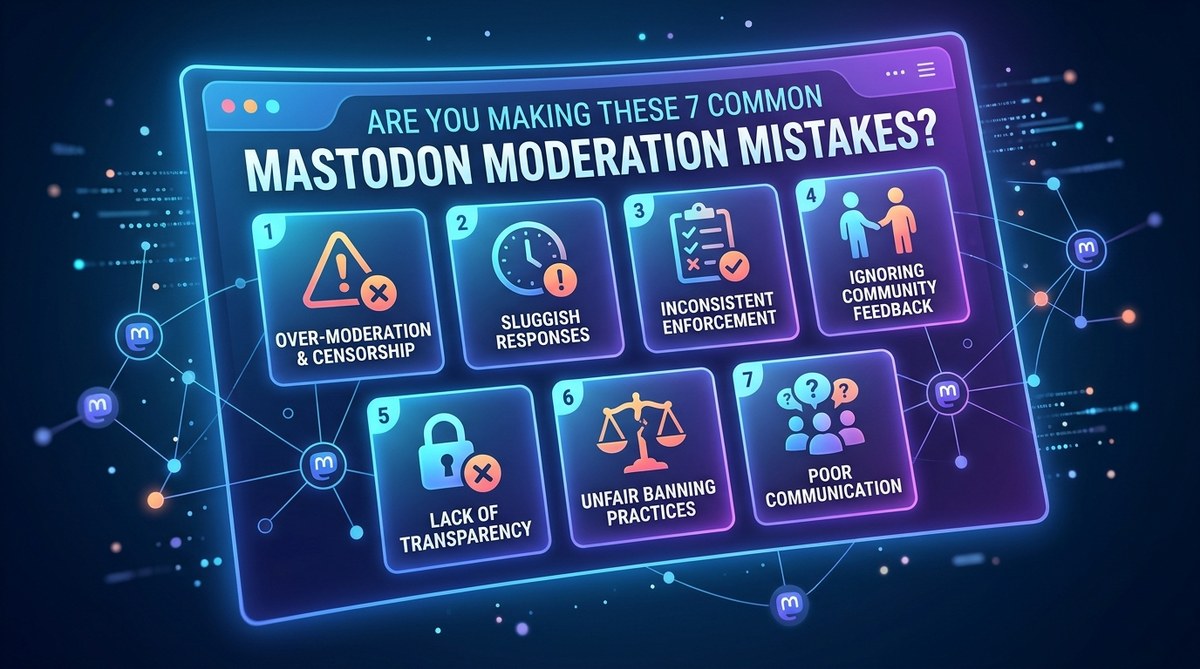
Running a Mastodon instance is a rewarding responsibility. You are building a community, not just a server. But moderation on a federated network is different from anything on centralized platforms. One wrong move can silence good users, breed resentment, or make your instance look chaotic. Many admins learn these lessons the hard way. You do not have to.
Most Mastodon moderation mistakes come from treating a decentralized community like a centralized one. Over-policing, unclear rules, and ignoring federation dynamics create friction. The fix is simple: write transparent policies, use silences before bans, train your mod team, and communicate openly. Small changes in process keep your instance healthy and your users happy in 2026.
Mistake 1: Writing Rules That Sound Like Legalese
Your code of conduct is the first thing new users read. If it reads like a terms of service agreement from 2010, people will skim it and miss the point.
A common Mastodon moderation mistake is using vague language like “be respectful” or “no toxic behavior.” Those phrases mean different things to different people. One user thinks sarcasm is fine. Another reports it as harassment.
Write rules that pass the “grandma test.” Would your grandmother understand what is banned? Use specific examples.
Here is a list of elements every good code of conduct needs:
- A short mission statement for your instance
- Concrete examples of prohibited behavior
- The exact moderation actions you will take (warning, silence, suspension)
- A clear appeals process
Avoid legalese. Write like a human. If you need inspiration, look at how Mastodon’s own moderation documentation explains things. It is direct and plain.
Mistake 2: Banning Users When a Silence Would Work
One of the most aggressive Mastodon moderation mistakes is reaching for the ban hammer too fast. In Mastodon, you have graduated tools. Use them.
The three main actions are:
- Warning — A private message explaining the issue. Best for first-time offenses.
- Silence — Hides the user’s posts from the public timeline without telling them. They can still post and reply. This is your best friend.
- Suspend — Full removal from your instance. Reserve this for spam accounts or genuine threats.
Many admins skip silence entirely. That is a mistake. Silence lets you contain disruption without starting a public drama. The user does not feel attacked, and the community does not see a fight. If they fix their behavior, you can lift the silence quietly.
Mistake 3: Forgetting That Federation Means Shared Responsibility
Your moderation decisions do not stop at your server border. When you ban a user, that action propagates through the fediverse. Other instances may see your blocklist. This is powerful, but it can backfire.
A common error is issuing a domain-level block against a whole instance because of one bad user. That cuts off every innocent person on that server. They lose access to your community through no fault of their own.
Better approach: Block individual accounts first. Only block an entire instance if it is a spam farm or refuses to moderate abuse. If you are unsure, check how other instances handle cross-instance moderation to see what is normal.
| Action | When to Use | Risk |
|---|---|---|
| Individual block | One user breaks rules | Low |
| Domain silence | Instance has many problem accounts | Medium |
| Domain suspension | Instance is spam-only or refuses moderation | High |
Mistake 4: Making Moderation Decisions Alone
Running a one-person moderation team is exhausting. It also leads to bias. You might go easy on a friend or harsh on someone you do not like. Even if you are fair, the perception of bias damages trust.
The fix is a moderation team. Even two or three people make a difference. Use a private channel (like a Discord or Matrix room) to discuss reports before acting.
“Moderation is not about enforcing rules. It is about maintaining trust. A team of three moderators catches more nuance than a solo admin every time.” — Experienced Mastodon instance admin, 2025
If you run a small instance, recruit trusted long-term members. Give them clear permissions in the Mastodon admin panel. Rotate who handles reports to prevent burnout.
Mistake 5: Ignoring the Local Timeline
The local timeline is the heart of your instance. It is where new users discover your community. If it is filled with spam, arguments, or low-effort posts, people leave.
Many admins focus on reports and forget to monitor the local feed proactively. That is a Mastodon moderation mistake that slowly kills engagement.
Here is a simple process for local timeline health:
- Check the local feed once per shift
- Remove spam posts immediately
- Move heated arguments to DM or silence the participants temporarily
- Pin a welcome post that explains how the local feed works
A clean local timeline encourages lurkers to post. That is how small communities grow.
Mistake 6: Keeping Moderation Logs Hidden
Users want to know what is happening on their instance. If you ban someone without explanation, rumors spread. People assume the worst.
Transparency does not mean naming every user publicly. It means sharing general statistics and process updates.
Try posting a monthly moderation report in your instance’s meta category. Include:
- How many reports were filed
- How many actions were taken (warnings, silences, suspensions)
- Any changes to the code of conduct
- A thank you to the community for helping
This builds trust. It also shows that you are active. For more on building community trust, read about why your instance choice matters and how it affects user perception.
Mistake 7: Not Having an Appeals Process
No moderation system is perfect. You will make mistakes. You will misinterpret a post. You will act on a false report.
If users have no way to appeal, they leave. Worse, they tell other people that your instance is unfair.
Set up a simple appeals process:
- Create a dedicated email address or a form
- Respond within 48 hours
- Have a different moderator review the case if possible
- If you overturn a decision, apologize publicly (without shaming the original reporter)
An appeals process shows that you value fairness over ego. It is one of the most underrated tools in any admin’s kit.
Building a Moderation Workflow That Scales
If you are tired of reacting to problems, build a workflow. A repeatable process saves time and reduces stress.
Here is a sample workflow that works for instances of any size:
- Step one: User reports a post or account.
- Step two: First moderator reviews and tags the issue (spam, harassment, off-topic).
- Step three: If clear violation, apply warning or silence. If unclear, escalate to team chat.
- Step four: Log the action in a private document.
- Step five: If suspension, send a brief reason to the user and point to the appeals process.
Use Mastodon’s built-in moderation tools. They have improved a lot by 2026. You can also look at third-party tools that keep your timeline healthy for extra support.
The Right Mindset for 2026
Mastodon is not a walled garden. It is a neighborhood. Good moderation is like being a good neighbor. You set clear boundaries, you communicate, and you give people a chance to fix things before you cut them off.
The biggest Mastodon moderation mistakes all come from forgetting that. When you treat users like numbers or problems, they leave. When you treat them like community members, they stay and help you moderate.
Start with one fix today. Review your code of conduct. Add an appeals process. Recruit a second moderator. Small changes compound into a healthier instance.
Your users will notice. And they will thank you for it.