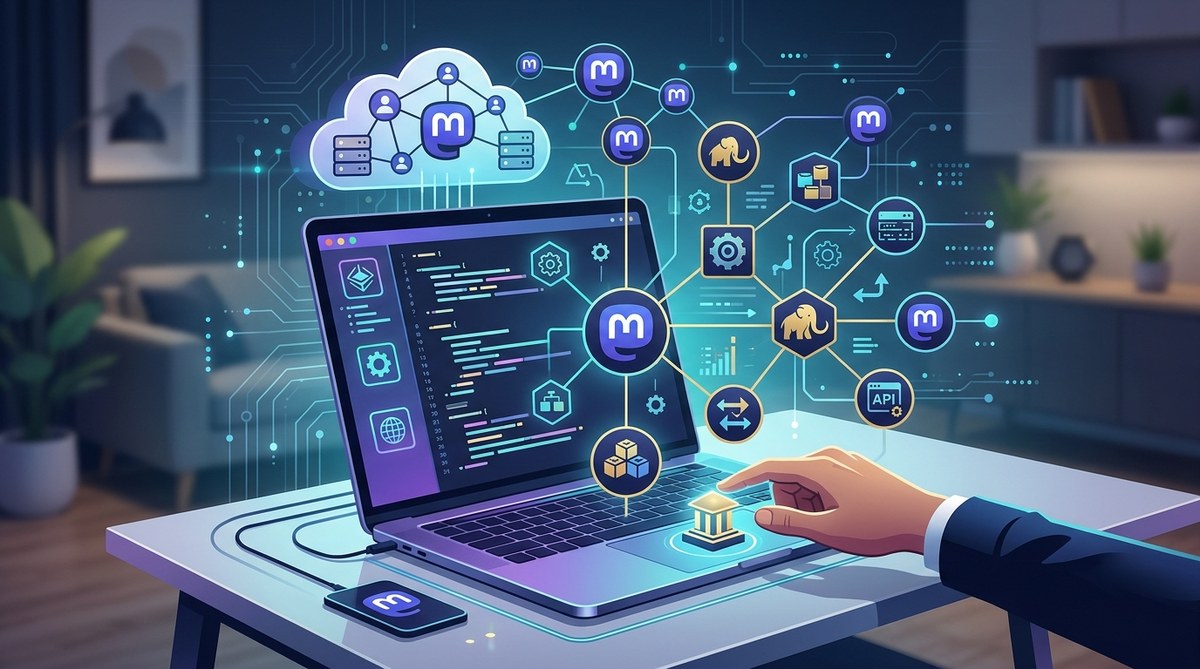
Getting involved in Mastodon development opens the door to shaping a more private, open, and community-driven social media landscape. Whether you’re a developer eager to contribute or a tech enthusiast wanting to understand how decentralized platforms work, this guide will walk you through the essentials of getting started with Mastodon decentralized web development. You’ll learn the core concepts, tools, and best practices to begin your journey into this vibrant ecosystem.
Getting started with Mastodon decentralized web development involves understanding the platform’s architecture, setting up your development environment, and contributing to its open-source code. Focus on learning the [federated model](https://en.wikipedia.org/wiki/Federated_social_web), Mastodon’s codebase, and community guidelines to begin building or customizing your own Mastodon instance or client. This process empowers you to promote privacy, independence, and innovation in social media.
Understanding the basics of Mastodon and decentralized web development
Before diving into coding, it’s essential to grasp what makes Mastodon unique. Unlike centralized social networks like Twitter or Facebook, Mastodon operates on a federated model. This means multiple servers, called instances, are interconnected. Each instance functions independently but can communicate seamlessly, forming a decentralized network.
Decentralization offers several benefits. It enhances user privacy, reduces reliance on a single company, and fosters community control. As a developer, understanding this architecture helps you build tools or platforms that align with these principles.
Mastodon is open source, built primarily with Ruby on Rails for the backend and React for the frontend. Its codebase is hosted on GitHub, making it accessible for contributions and customization. Familiarity with these technologies is key to effective development.
Setting up your development environment
Getting started with Mastodon development involves preparing your workspace. Here’s a straightforward process to follow:
-
Install prerequisites: Ensure your system has Ruby (version 3.0+), Node.js, Yarn, PostgreSQL, and a web server like Nginx. These are the core components Mastodon relies on.
-
Clone the repository: Visit the Mastodon GitHub page and clone the codebase. Use your terminal:
git clone https://github.com/mastodon/mastodon.git
- Configure your environment: Copy the example environment file and update database credentials, secret keys, and domain name.
cp .env.production.sample .env.production
Edit .env.production to suit your setup.
- Install dependencies: Run bundle install for Ruby gems, and Yarn install for JavaScript packages.
bundle install
yarn install
- Set up the database: Use Rails commands to create and migrate the database.
RAILS_ENV=production bundle exec rails db:setup
- Start the servers: Launch Mastodon’s backend and frontend locally for testing.
bundle exec rails server
yarn build --watch
- Access your local instance: Visit
http://localhost:3000on your browser.
Keep in mind that deploying a production Mastodon server involves additional steps for security, SSL certificates, and server configuration. Resources like the official getting started with Mastodon decentralized web development guide provide comprehensive instructions.
Contributing to Mastodon’s codebase
Once your environment is ready, you can explore contributing to Mastodon’s development. Here are practical steps:
-
Join the community: Engage with the Mastodon GitHub repository, mailing lists, or community forums. They are active and welcoming to new contributors.
-
Identify issues or features: Review open issues or suggest enhancements. Focus on areas aligned with your skills, such as UI improvements, backend features, or API extensions.
-
Create a branch: Work in a separate branch to keep your changes organized.
git checkout -b my-feature-branch
-
Make your changes: Edit code, add tests, and ensure your modifications align with Mastodon’s coding standards.
-
Test thoroughly: Run the test suite and perform manual testing to verify your changes.
-
Submit a pull request: Push your branch and open a pull request with a clear description of your contributions.
“Contributing to open source projects like Mastodon not only enhances your skills but also supports a community committed to decentralized, privacy-focused social media.” — Tech community expert
- Follow up: Collaborate with maintainers for feedback and revisions.
Building custom Mastodon clients and integrations
If you want to extend Mastodon’s functionality or create custom clients, understanding its API is essential. Mastodon’s API allows for actions such as posting, fetching timelines, and managing accounts.
Practical steps to build a client:
-
Review the API documentation: The API is RESTful and well-documented, available through the Mastodon API docs.
-
Choose your tech stack: You can build clients with any language that supports HTTP requests, like JavaScript, Python, or Swift.
-
Authenticate users: Implement OAuth2 to enable users to authorize your client.
-
Fetch data: Use API endpoints to retrieve timelines, notifications, or user info.
-
Post content: Enable users to create new toots or messages.
Common pitfalls to avoid:
| Technique | Mistake to avoid |
|---|---|
| Proper authentication | Failing to securely handle OAuth tokens |
| API rate limits | Overloading servers with too many requests |
| Data validation | Not sanitizing user inputs |
Expert advice:
“Building Mastodon clients or integrations requires respecting user privacy and adhering to API rate limits. Focus on creating transparent and secure experiences.” — Open source developer
Tips for successful decentralized web development on Mastodon
-
Stay updated: Follow Mastodon’s GitHub repository and community channels for the latest developments and best practices.
-
Engage with the community: Participating in forums and discussions can provide valuable insights and collaborations.
-
Respect the federation model: Remember that your contributions should support open standards and interoperability.
-
Contribute regularly: Small, consistent contributions keep the project healthy and evolving.
-
Test across instances: Since Mastodon is decentralized, test your features on multiple servers to ensure compatibility.
Final thoughts on building within the Mastodon ecosystem
Getting started with Mastodon decentralized web development is an exciting way to influence the future of social media. By understanding the platform’s architecture, setting up your environment, and actively contributing, you help promote privacy, independence, and innovation. Whether you’re customizing an instance or developing new tools, your efforts can empower communities to own their digital spaces.
Remember that open source projects thrive on collaboration. Dive into the code, ask questions, and share your ideas. With patience and persistence, you can become a key participant in shaping a more decentralized and user-centric social media landscape.
Keep pushing boundaries in decentralized social media development
Your journey into Mastodon development is just beginning. Use the available resources, connect with like-minded developers, and stay curious. Building on open standards and principles of decentralization allows you to contribute to a future where online spaces are safer, more private, and truly community-driven.